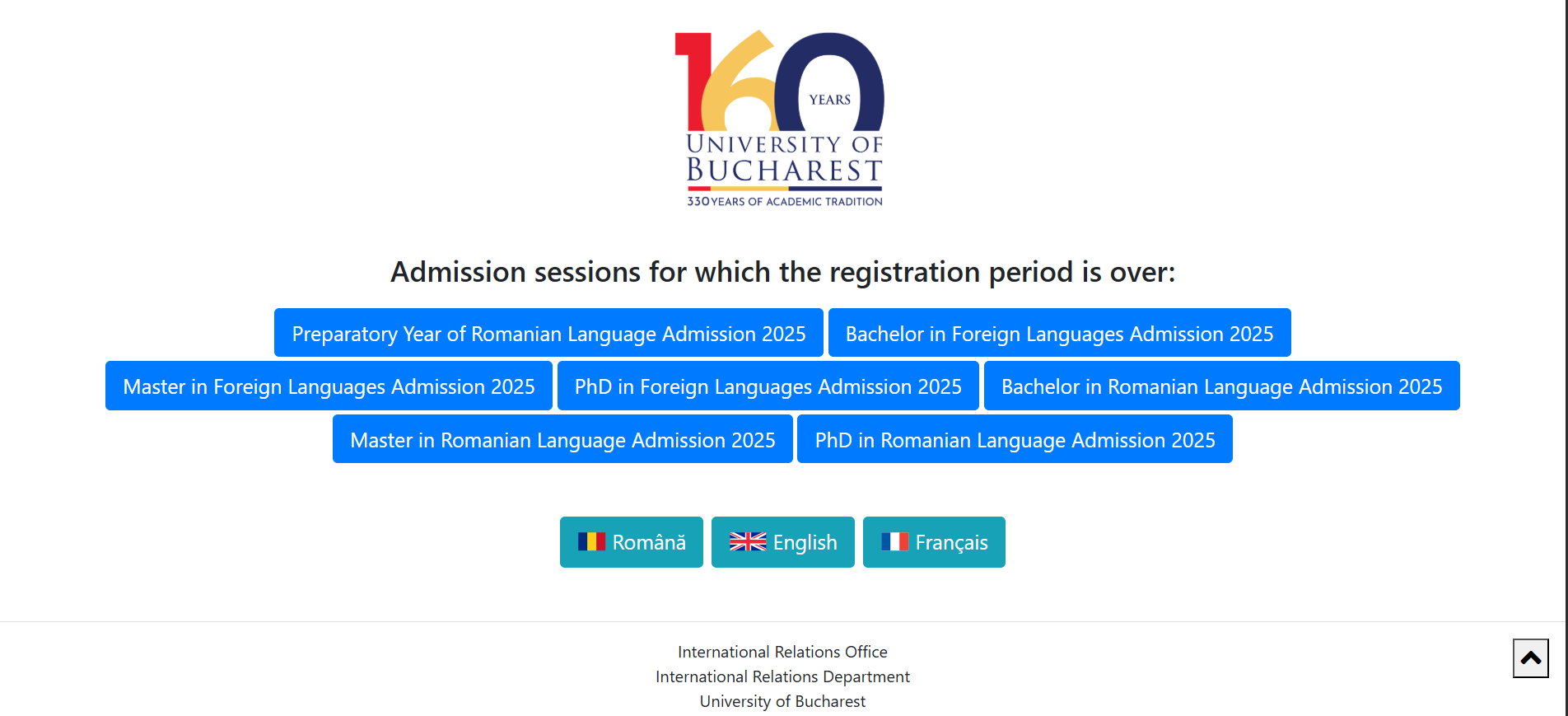
STEP 1: Access the admission Platform and click the desired language or the Preparatory Year of Romanian Language button in order to register.
The platform is in Romanian, English or French.
STEP 2: Access your admission file by clicking on the upper right registration button and click on REGISTRATION
STEP 3: Register by entering your email address, your personal Informations (in latin letters) and your password
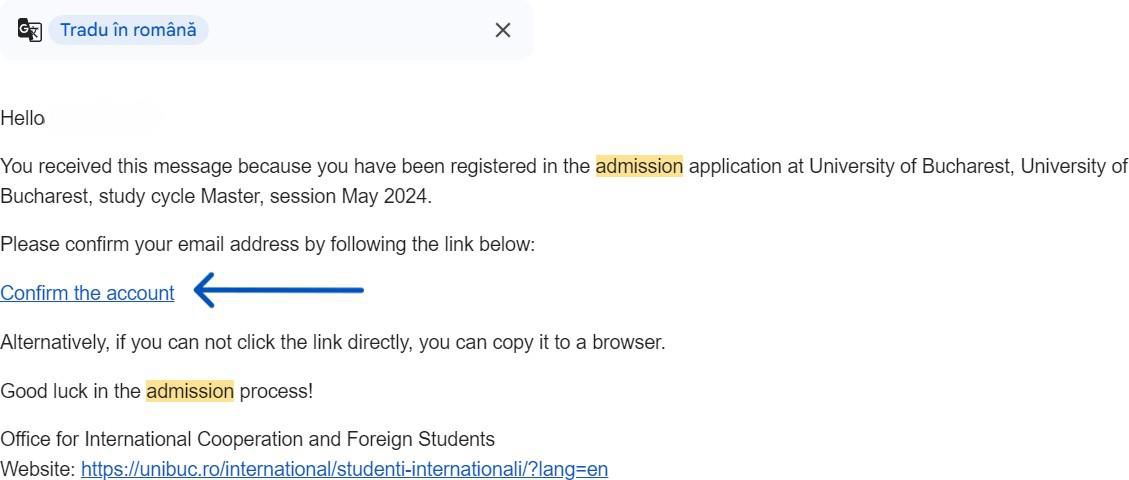
STEP 4: Confirm your account by clicking on the CONFIRM THE ACCOUNT button received on your email address
STEP 5: Now you can start your admission process by clicking on the SIGN IN button on the admission platform
Once you have successfully uploaded your admission file you need to wait for the admission committee to validate the file in order to obtain the letter of acceptance. You will receive updates about your file status via the email address you provided.